Strideway Official Links & Wiki Info
Game page, Strideway group, and how to use this fan wiki safely.
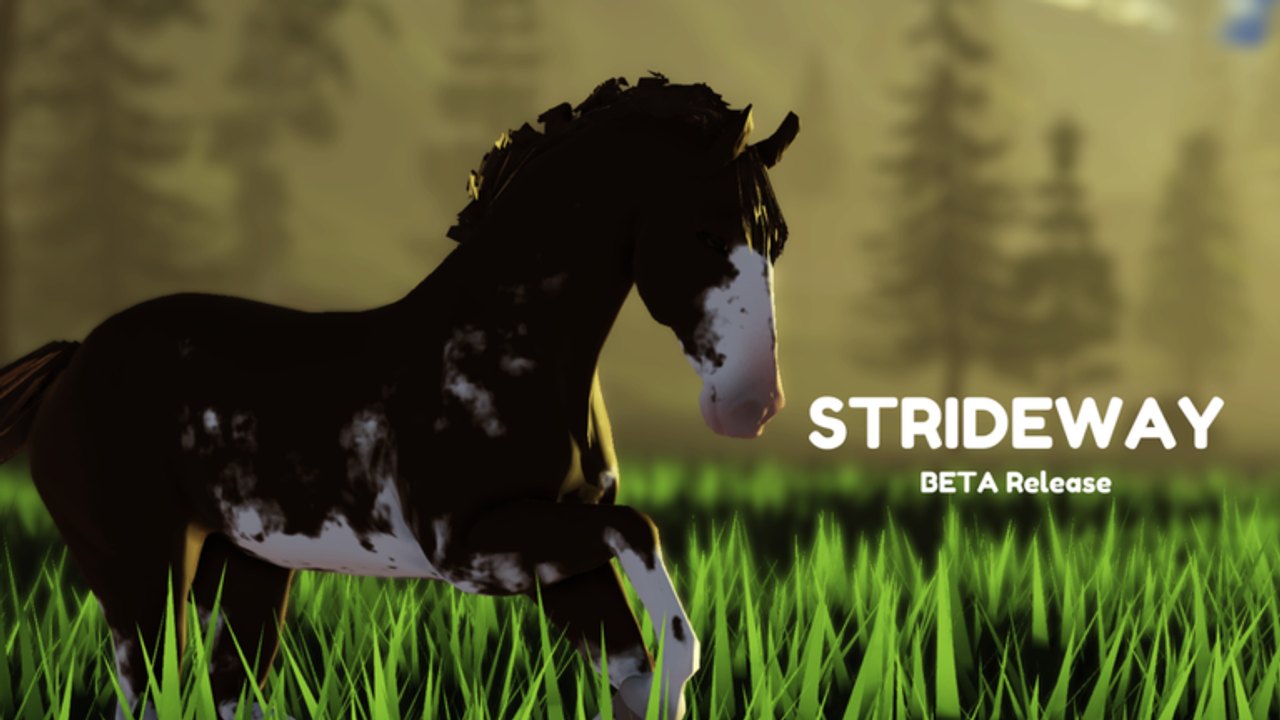
Official Strideway destinations
Use these official Roblox links first whenever a social post smells off:
- Play Strideway: Roblox game page (place 17035967585)
- Strideway group: Roblox community 14878567
Universe ID 5841858050 matches the experience configuration used on this wiki. The group behind the game is Strideway (Frappy + SW Team, Westfalen, Germany) with a large membership footprint. Prefer these URLs over mirrored “play now” buttons on random sites.
Quick facts for link-hoppers
| Fact | Detail |
|---|---|
| Genre | Open-world realistic horse roleplay on Roblox |
| Status | BETA — bugs expected |
| Access | Has cost ~90 Robux at times; price may lower / eventually free |
| Server size | About 8 players |
| Shop | Ethan’s Horse Shop via top-bar computer (right) |
| Freecam | Shift+P on PC/laptop — see Freecam |
| Shutdown | Usually means an update is deploying |
| Visits / favorites | On the order of ~42M visits and ~173k favorites with strong ratings |
Wiki disclaimer
This site is a fan-made wiki for Strideway players. It is not an official publication of Roblox Corporation or the Strideway development group. Guides, tier opinions, and code status are researched for players but can lag behind live patches — always verify in-game after Shutdowns. We do not sell Robux, horses, or accounts.
We intentionally publish no fabricated promo codes and no invented script loadstrings. See Active Codes and Scripts Hub for that honesty policy.
Freecam tip (highlight)
On a PC or laptop keyboard, press Shift+P to toggle Freecam for cinematic angles of Gen 3 models and tack. Full notes live on Freecam. Mobile players should use standard camera drag instead.
Hub map
- Codes Hub — promo status + redeem help
- Guides Hub — getting started through customization
- Tier List Hub — opinionated breed rankings
- Scripts Hub — safety, empty script inventory
- Updates Hub — Gen 3 and future patch notes
- Players Hub — community etiquette
- Tools Hub — freecam and utility pages
How to report bad links
If you find phishing pretending to be Strideway, do not engage. Change passwords if you interacted, enable 2-step verification, and return here for the canonical game/group URLs. In-game, learn systems through Getting Started rather than third-party “helper” apps.
Suggested first clicks for brand-new riders
- Official game link above
- Getting Started
- Buy and Spawn a Horse
- Community
- Gen 3 Horses if you joined after the model refresh
Bookmark this Links Hub so you always have a clean path back to official Roblox destinations and the rest of the wiki without wandering through ad mazes.
Frequently Asked Questions
Quick answers about horses, codes, controls, and updates.
Is this wiki official?
No. It is a fan-made resource. Use the Roblox game and group links on this page for official destinations.
What is the official Strideway group link?
https://www.roblox.com/communities/14878567/strideway — also listed in the body above.
How do I enable freecam?
On PC or laptop, press Shift+P. Details are on the Freecam tool page.
Where should I start playing?
Open the official Roblox game link, then follow Getting Started and Buy and Spawn a Horse on this wiki.
Do you provide scripts or private servers for sale?
No. We do not sell access, horses, or scripts, and we warn against risky executors.