Strideway Guides
From first mount to Gen 3 tack — practical walkthroughs for the BETA horse world.
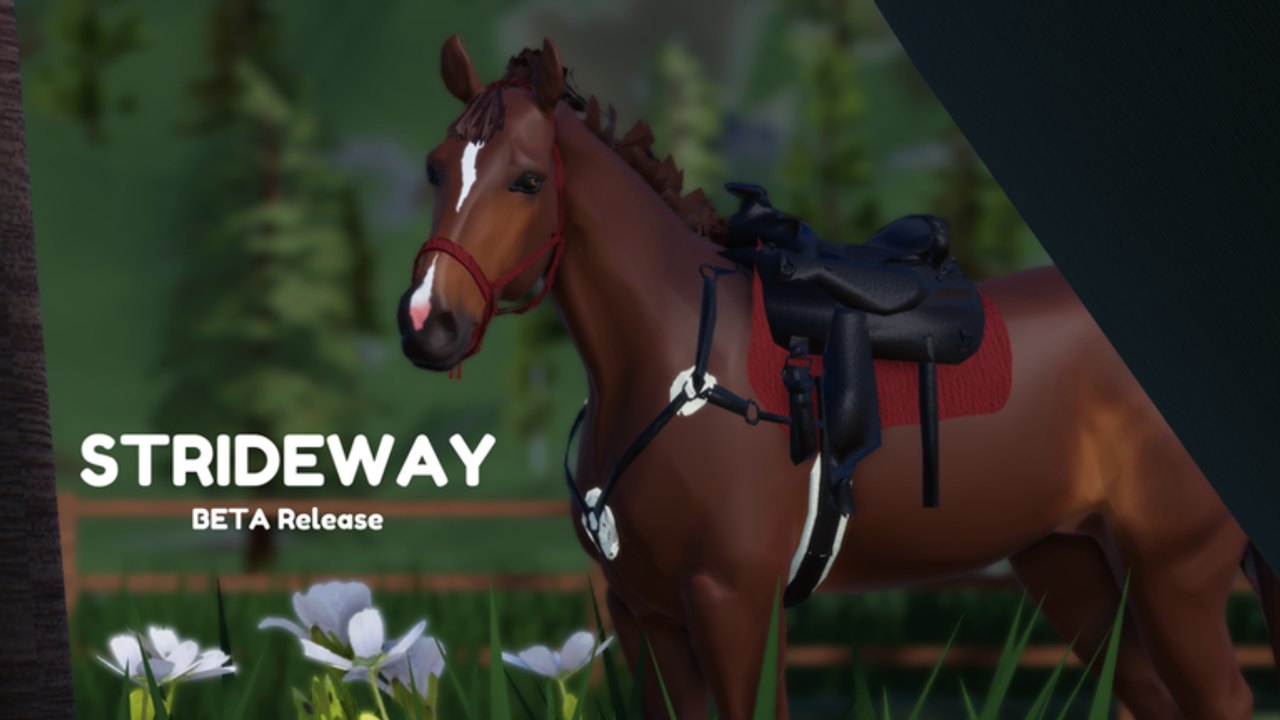
Welcome to the Strideway guides hub. Strideway is a Roblox open-world realistic horse roleplay experience (place 17035967585) run by the Strideway group out of Westfalen, Germany. Servers hold about eight players, the game is still marked BETA, Freecam on PC is Shift+P, and live access is free (PriceInRobux 0) even if the store text still talks about the price lowering toward free. This hub maps every how-to on the wiki so you spend less time lost in town and more time riding.
Start with Getting Started or the broader How to Play loop if you need a first-ride checklist. Jump to Controls for WASD, sprint, jump-while-riding, lead prompts, and mobile joysticks. When you are ready to own a mount, open Buy and Spawn a Horse for Ethan’s Horse Shop, breed groups, stall claims, and the settings lock that hides riding prompts.
Full guide map
- Getting Started — first session walkthrough and shop orientation
- How to Play — free access, first-session loop, shop, stall, arenas pointer
- Controls — PC, laptop freecam, mobile, gaits
- Buy and Spawn a Horse — Warmbloods, Coldbloods, ponies, stalls, spawn list
- Lead Your Horse — reins, interact, mount/dismount, lame handling, lunging basics
- Barn Tasks — sweeping, saddle cleaning, bedding, apples
- Travel and Vet — white trailer, town parking, Izzy’s clinic, June vet
- Customization — coats, tack depth, coloring tools after model updates
- Map and Arenas — barn, rings, race track, biomes, beach, vet routes, editable courses
- Rider Tips — bonding, quiet map play, tack colors, freecam, etiquette, BETA habits
How these guides fit the BETA
Because Strideway expects bugs, every guide favors recovery habits: reclaim the stall if a horse vanishes, rejoin after Shutdown, and use the trailer when a mount goes lame instead of force-sprinting. Cross-check patch notes on the Updates Hub — especially Gen 3 Horses and November 2026 Release for deeper tack, barn doors, and jump refusals — before assuming an old shortcut still works.
Breed shopping opinions live on the Horse Breeds tier list (community preference, not absolute law). Roleplay etiquette and “is it worth it?” takes sit under Players → Community and Is Strideway Worth It. If you arrived hunting executors, read the Scripts Hub honesty note and Scripts Safety first: we found no dedicated public Strideway scripts worth the ban risk.
Suggested learning order
- How to Play or Getting Started + Controls
- Buy and Spawn a Horse
- Lead Your Horse and light Barn Tasks
- Map and Arenas then Travel and Vet when injuries appear
- Customization once the horse feels like yours
- Rider Tips; optional Freecam for screenshots; Codes only after updates
Quality bar for this wiki
Each guide aims for practical depth: where the top-bar computer sits, which clinic to park near, how Settings lock changes prompts, and what Gen 3 changed about refusals. Internal links stay locale-agnostic with trailing slashes so every language build resolves cleanly. For official Roblox destinations, use Wiki Links.
If a mechanic moves after a Shutdown, prefer the newest guide plus Updates over random comment sections. Healthy stables come from routines — not from nonexistent promo codes or risky scripts.
Frequently Asked Questions
Quick answers about horses, codes, controls, and updates.
Which guide should absolute beginners open first?
Start with Getting Started, then Controls, then Buy and Spawn a Horse before specializing in tasks or vet travel.
Do these guides cover mobile?
Yes. Controls and several walkthroughs call out joystick and on-screen buttons alongside PC WASD and Shift+P freecam.
Where do I read about new horse models?
See Gen 3 Horses under Updates, then Customization for tack and coat workflows that changed with the models.
Are breed rankings inside the guides?
Detailed opinion rankings live on the Horse Breeds tier-list page; guides focus on how to buy, spawn, and care for any breed group.