Strideway Tools
Built-in utilities like Freecam — no executors required.
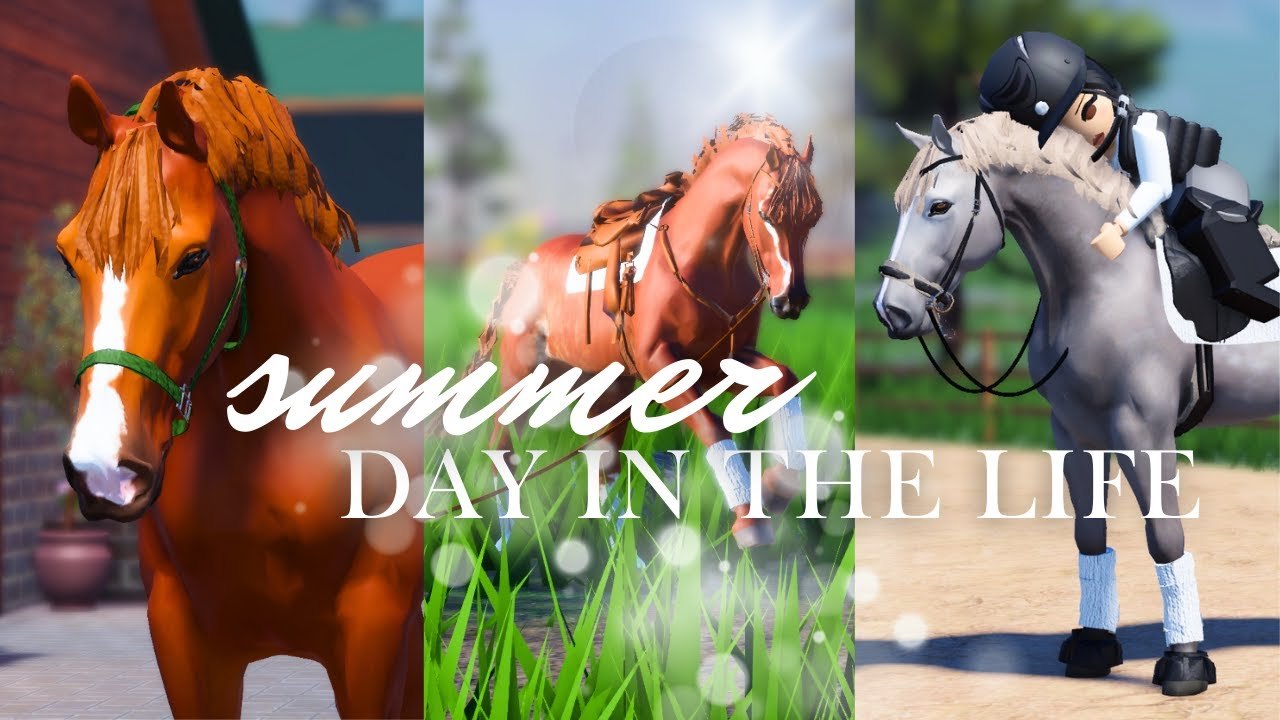
The Tools Hub collects legitimate quality-of-life helpers for Strideway that do not require shady clients. Right now the star utility is Freecam on PC/laptop via Shift+P, documented on Freecam. Everything else you might call a “tool” — shop computer, stall list, trailer, chore prompts — already lives inside the experience and is taught through the Guides Hub.
Featured tool pages
- Freecam — Shift+P cinematic camera for Gen 3 coats, tack depth, and barn screenshots
What does not belong here
We will not host executor packs, auto-farm macros, or inventory dupers. Those belong in the refuse pile explained on Scripts Hub and Scripts Safety. If a site brands itself as a “Strideway tool” but asks for your password, close the tab and return to Wiki Links for official Roblox URLs.
Built-in systems that feel like tools
| In-game system | Wiki guide |
|---|---|
| Top-bar computer / Ethan’s shop | Buy and Spawn a Horse |
| Settings riding-prompt lock | Controls |
| White trailer logistics | Travel and Vet |
| Chore markers | Barn Tasks |
| Customization / pad IDs | Customization |
| Breed comparison | Horse Breeds |
After updates
When Shutdown hits, retest Freecam and prompt locks before a photo event. Visual patches like Gen 3 Horses are exactly when freecam earns its keep. Also recheck Active Codes in case a real gift ships — still none as of November 2026.
Community use
Freecam nights and conformation showcases pair well with Community etiquette: do not AFK in freecam blocking stalls, and give riders space while you orbit a Friesian. Eight-player servers punish camera camping hard.
Tool-like habits worth practicing
Think of “tools” as repeatable habits, not downloads. Before a show RP, lock the riding prompt, freecam the bridle, unlock, then ride a straight approach so Gen 3 refusals do not surprise you. Before a clinic story, stage the white trailer with room for the next driver. Before logging off, bed the stall and despawn extras so the next eight players inherit a usable barn.
Those loops beat any macro. They also scale when the SW Team ships another Shutdown: you already know which checklist to rerun from the Updates Hub and which guide page owns each system.
How this hub will grow
If Strideway adds more first-party utilities — denser photo modes, expanded shop filters, or clearer task journals — we will document them here the same way Freecam is documented: official inputs only, cross-links into guides, zero malware mirrors. Until then, treat random “Strideway toolkit.exe” posts as hostile.
Use this hub as the clean alternative to “tool” spam in YouTube descriptions. Start with Freecam, then master the guide-linked systems that make Strideway feel professional without risking your account.
Frequently Asked Questions
Quick answers about horses, codes, controls, and updates.
What tools does this wiki cover?
Primarily built-in helpers like Freecam (Shift+P). Gameplay systems are documented under Guides rather than as third-party apps.
Is Freecam available on mobile?
Shift+P Freecam is a PC/laptop feature. Mobile players use standard touch camera controls.
Do you offer downloadable Strideway tools?
No downloads. Beware sites that bundle “tools” with executors — read Scripts Safety instead.
Where do I learn the shop computer UI?
See Buy and Spawn a Horse under Guides for the top-bar computer path into Ethan’s Horse Shop.