Getting Started in Strideway
Your first hour in the realistic Roblox horse roleplay world.
What Strideway is
Strideway is a Roblox open-world realistic horse roleplay experience by the Strideway group (Frappy and the SW Team, Westfalen, Germany). The place ID is 17035967585 and the universe is 5841858050. Expect roughly eight players per server, a living town and barn loop, and a client that is still marked BETA. Live economy data shows PriceInRobux 0 — free to play — while the official description may still say BETA and that the price will lower / eventually become free. Visits sit near the multi‑tens of millions with a strong favorites count — popular enough that advice spreads fast, including bad advice. This page is the clean first ride; for a wider loop including arenas, see How to Play.
If you only remember three habits: buy through Ethan’s Horse Shop on the top-bar computer (right side), claim a stall before you rely on spawning, and treat Shutdown as “update incoming,” not a random kick.
Minute-by-minute first session
- Launch from the official game link on Wiki Links. Confirm you are in Strideway, not a lookalike roleplay place.
- Orient in town. Note parking areas, barn buildings, and where trailers sit. You will need the white trailer later for vet trips — details in Travel and Vet.
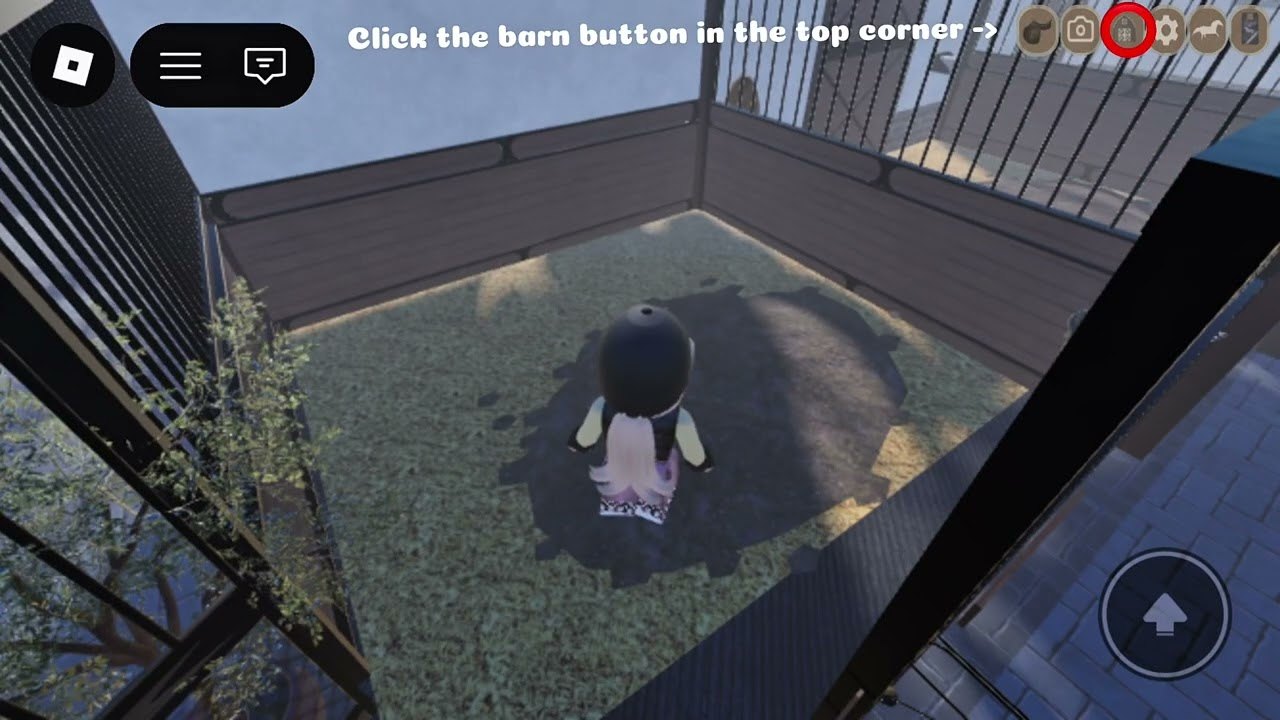
- Open the top-bar computer on the right. This is your gateway to Ethan’s Horse Shop and related management tools.
- Browse breed groups before impulse-buying. Warmbloods (Thoroughbreds, KWPN/Dutch Warmbloods), Coldbloods (Friesians, Cobs, Fjords), ponies, plus community talk around show horses, Arabians, and AQH-type stock. Opinion rankings live on Horse Breeds.
- Purchase a starter that matches your goal. Trail riders often like steady Coldbloods; arena-focused players lean Warmbloods; smaller riders eye ponies. Budget Robux carefully while access pricing is still in flux.
- Claim a stall as soon as you can. Spawning is tied to the stable list after a proper claim — covered deeply in Buy and Spawn a Horse.
- Spawn the horse, then learn prompts. Left click leads/interacts; E mounts and dismounts; WASD moves; Shift sprints; Space jumps while riding. Full tables are on Controls.
- Do one easy barn chore so you understand task markers — sweeping, saddle cleaning, bedding, or offering an apple. See Barn Tasks.
- Optional PC freecam: press Shift+P on a laptop/PC for cinematic views. Step-by-step notes are on Freecam.
- Park, stable, and screenshot your setup before you log out so you know the recovery path if BETA weirdness despawns a mount.
Buying without panic
Ethan’s Horse Shop is not a sidewalk NPC you might miss — players consistently use the computer icon on the top bar (right side). Inside, shop inventory is organized by breed groups. Read descriptions, compare coats, and remember Gen 3 models (around 7 Nov 2026) deepened tack and changed jump refusal behavior. If your UI looks different after a Shutdown, skim Gen 3 Horses and Customization before assuming the shop is broken.
After purchase, claiming a stall matters more than new players expect. Without a stall claim, spawning from the stable list feels inconsistent. Once claimed, pick the horse from the list to bring it into the world. If riding prompts spam you while you groom or roleplay on foot, check Settings lock options that can hide the riding prompt — again detailed on the buy/spawn guide.
First ride checklist
- Mount with E, walk with WASD, short sprint with Shift, hop with Space while mounted.
- Dismount before dragging the horse through tight barn doors if collision feels sticky in BETA.
- Practice a short lead walk using left-click interact so you can move an unmounted horse safely (Lead Your Horse).
- If the horse looks lame or refuses normally easy jumps after Gen 3, do not keep forcing speed — trailer to Izzy’s clinic or June’s vet coverage in town parking routes.
- Ignore “free horse codes.” Active Codes currently lists none; shop purchases are the real path.
Social expectations on an 8-player server
With only eight slots, every rider is visible. Yield in aisles, do not trap trailers in parking, and ask before borrowing jump standards in shared arenas. Community tone tips live on Community. Scripts that promise auto-farm chores are not something we endorse — see Scripts and Scripts Safety.
What to learn next
| Goal | Open |
|---|---|
| Full how-to loop | How to Play |
| Master input | Controls |
| Own more horses | Buy and Spawn a Horse |
| Map / arenas | Map and Arenas |
| Daily chores | Barn Tasks |
| Injuries / travel | Travel and Vet |
| Looks / tack | Customization |
| Patch changes | Updates Hub |
Finish your first clean loop — buy, claim, spawn, short ride, one task, safe stable — before optimizing coats or hunting tier opinions. Strideway rewards patience more than hustle, especially while BETA quirks remain part of the ride even with PriceInRobux 0 access.
Frequently Asked Questions
Quick answers about horses, codes, controls, and updates.
Is Strideway free to play?
Yes — live PriceInRobux is 0. The official description may still say BETA and that the price will lower / eventually become free. Always recheck the live Roblox game page.
Where do I buy a horse?
Use the computer on the top bar (right side) to open Ethan’s Horse Shop. Pick a breed group, purchase, then claim a stall and spawn from the stable list.
Why can’t I spawn my horse?
Make sure you claimed a stall and are selecting the horse from the stable list. Rejoin if BETA desyncs inventory after a Shutdown.
What does Shutdown mean in chat?
In Strideway communities, Shutdown usually means an update is being pushed. Stable your horse and rejoin after the patch.
Does this guide work on mobile?
Yes for the loop — shop computer, stall, spawn, tasks — but use on-screen joystick controls. Freecam Shift+P is a PC/laptop feature.
Are there beginner codes?
No active promo codes are confirmed as of November 2026. Free access already removes the paywall — see the Codes Hub for status and scam warnings.